Jouw radiostation online in 3 stappen
Kies een pakket, maak je account aan en stream live of via AutoDJ. Betaalbare radio hosting met alles erop en eraan — zonder technische kennis.
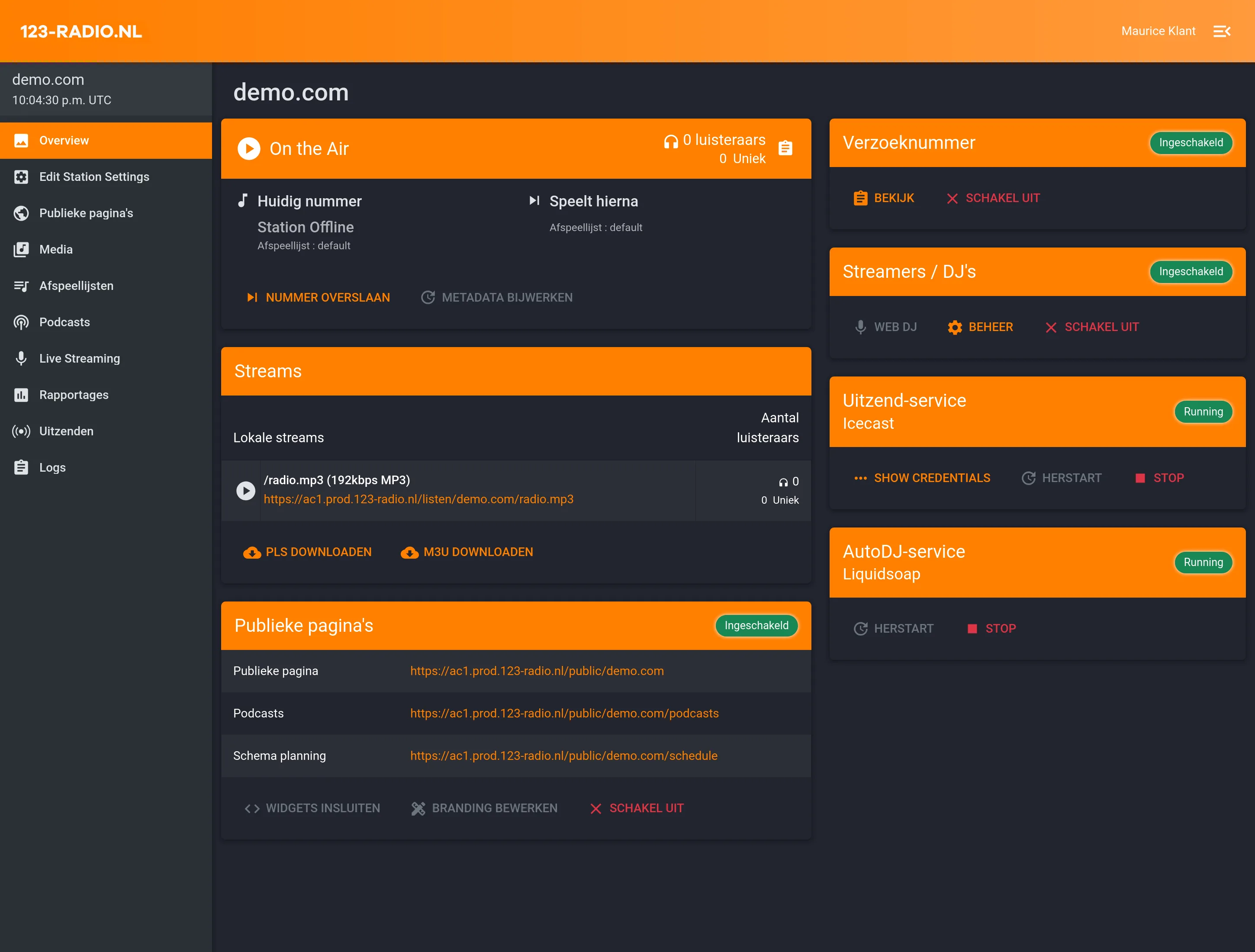




Van aanmelden tot live in 3 stappen
Je hoeft geen technicus te zijn om je eigen radiostream online te zetten. Wij regelen de hosting, jij regelt de muziek.
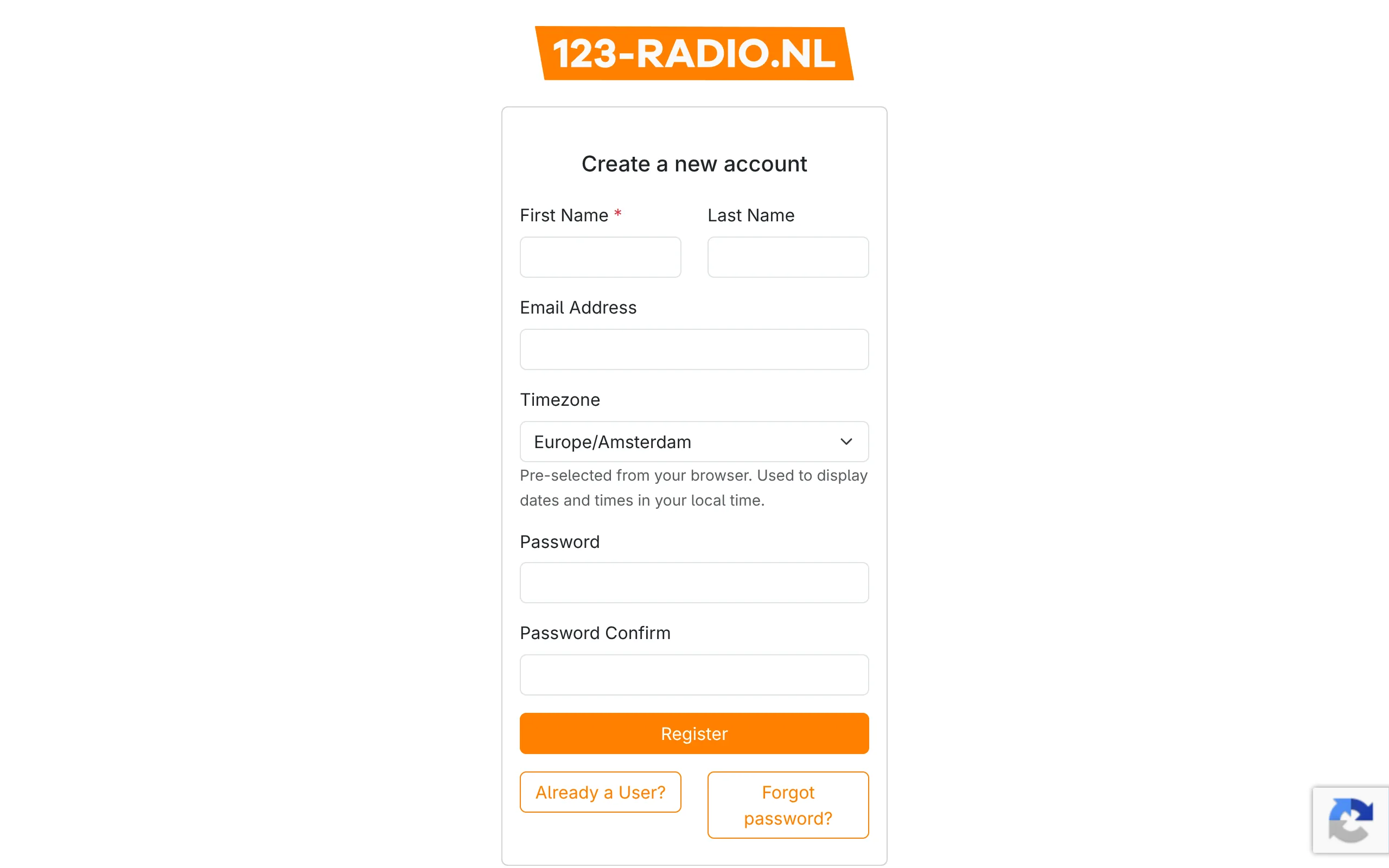
Maak je account aan
Registreer eenvoudig via onze portal. Geen technische kennis nodig — in een paar minuten sta je klaar.
- Snel registreren
- Eigen klantomgeving
- Geen software installeren
- Direct overzicht
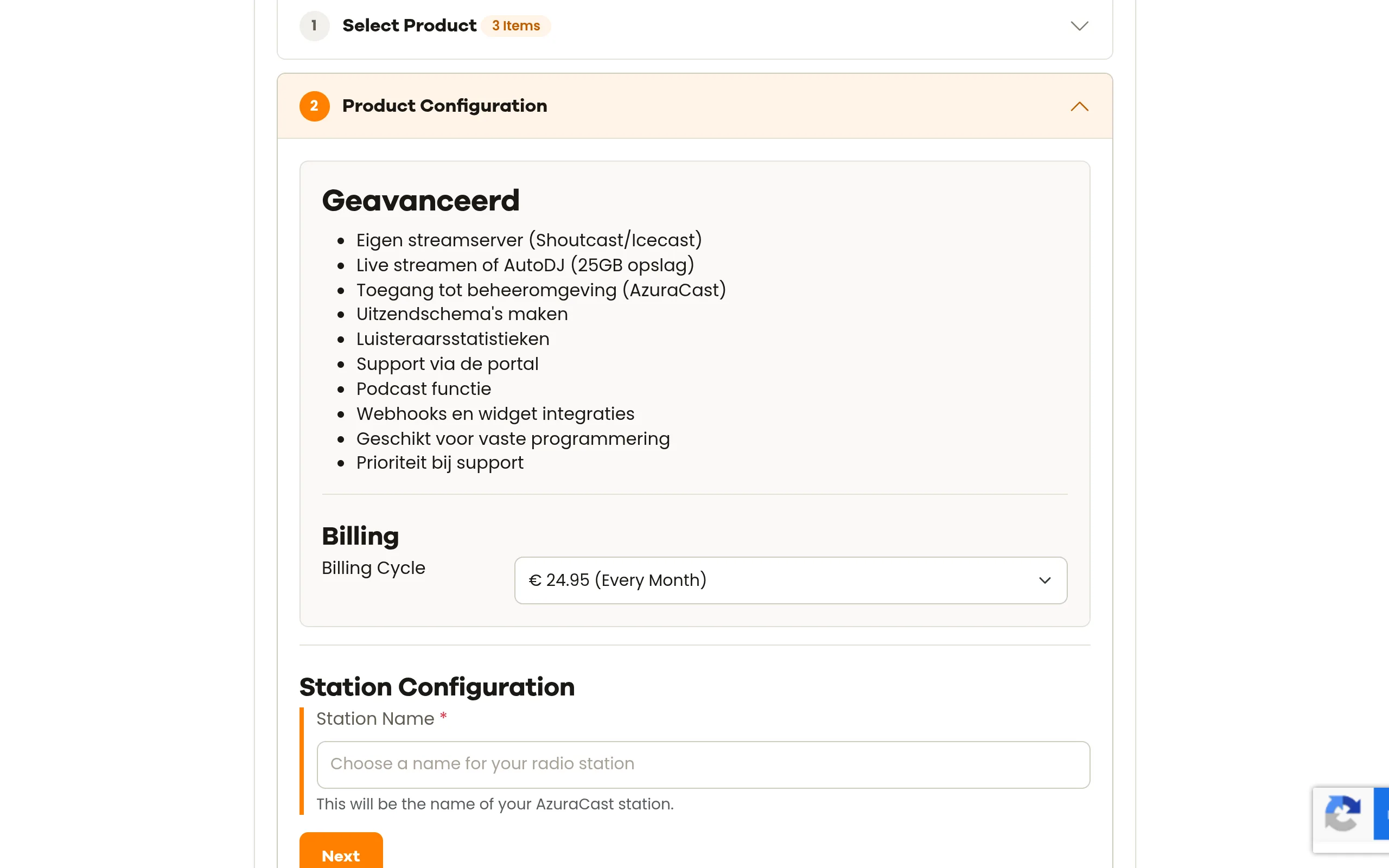
Kies het pakket dat bij je past
Of je nu hobbyist bent of een professioneel station runt: we hebben een pakket dat past. Opschalen kan altijd.
- Heldere maandelijkse prijzen
- Pakketten voor elke situatie
- Eenvoudig upgraden
- Geen verborgen kosten
Start met uitzenden
Log in, stel je stream in en ga live. Kies voor een live uitzending of laat AutoDJ jouw station draaiende houden.
- Live streamen via Shoutcast of Icecast
- AutoDJ voor 24/7 muziek
- Podcast functie
- Uitzendschema's maken
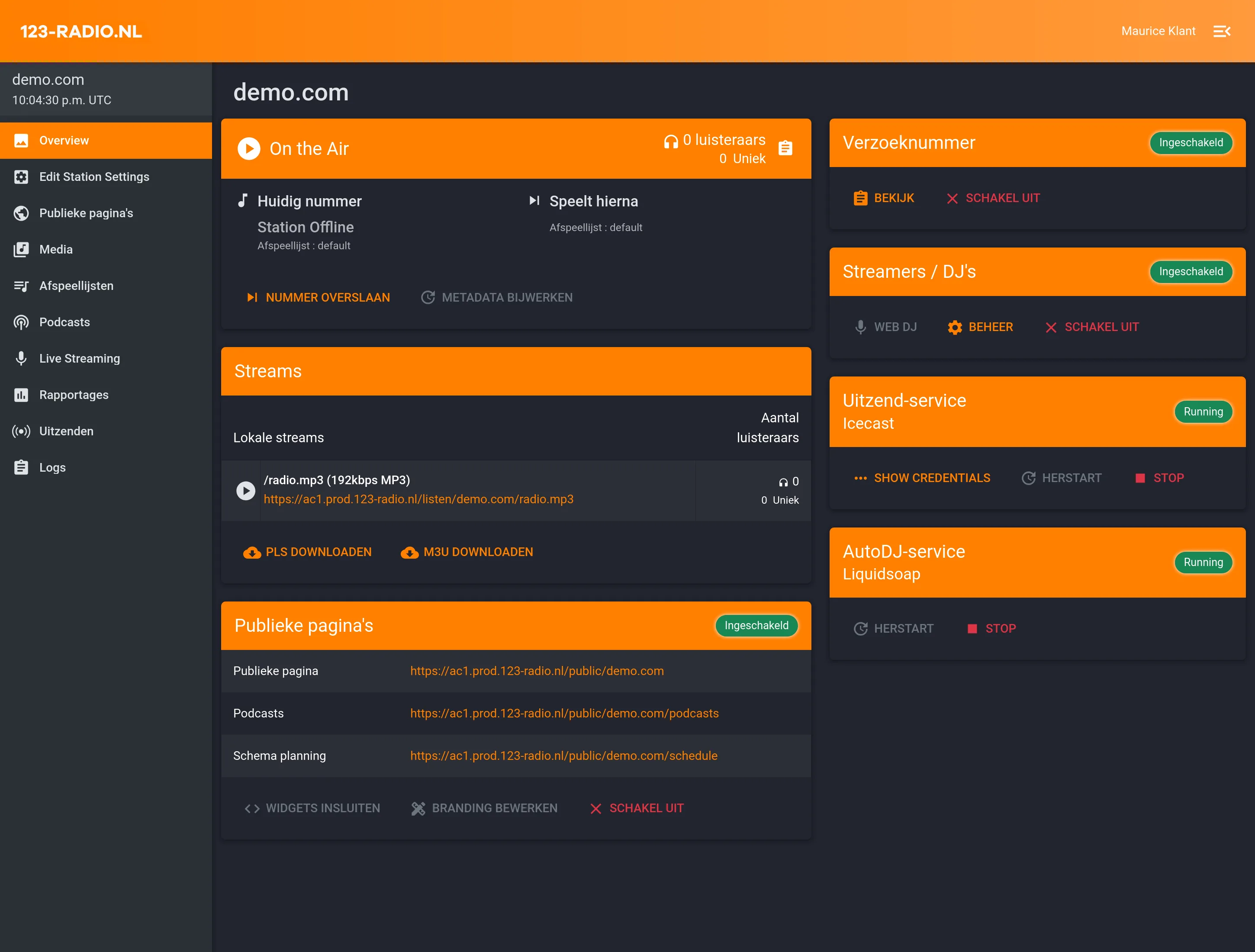
Alles wat je nodig hebt voor je radiostation
Van streamhosting tot statistieken: 123-radio.nl geeft je de tools om professioneel radio te maken — voor een betaalbare vaste prijs.
Krachtige functies, eenvoudig beheer
Beheer je station via AzuraCast: plan uitzendingen, beluister statistieken, voeg podcasts toe en integreer met je eigen website via widgets en webhooks.
- AutoDJ voor continue uitzending
- Podcast functie
- Uitzendschema's
- Luisteraarsstatistieken
- Widgets en webhooks
Toch niet overtuigd?
Plan kostenloos een demo in met één van onze experts of kijk nog even verder op de site.